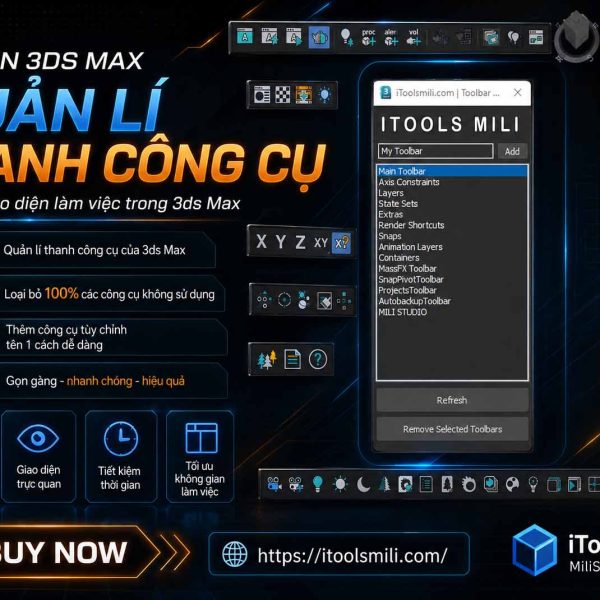
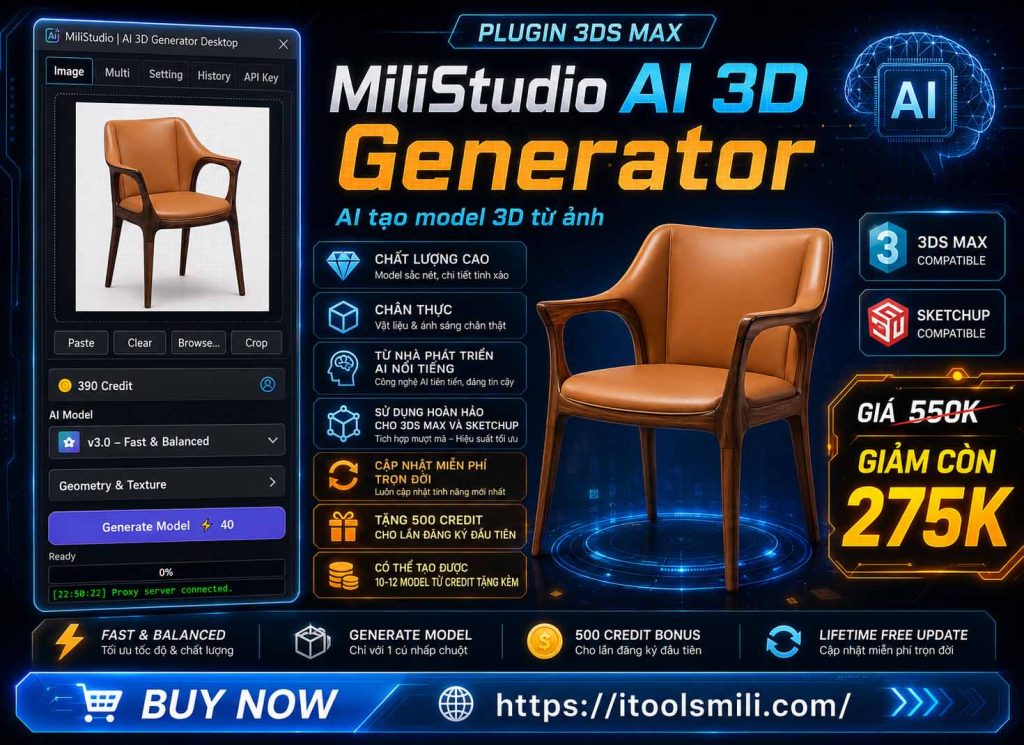
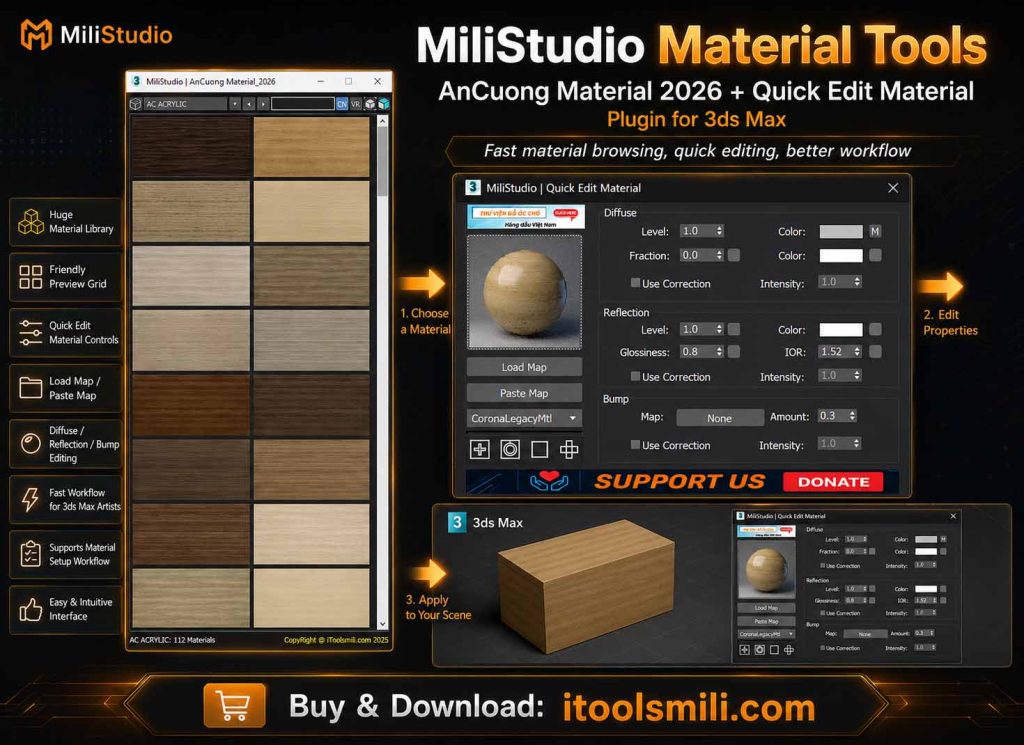
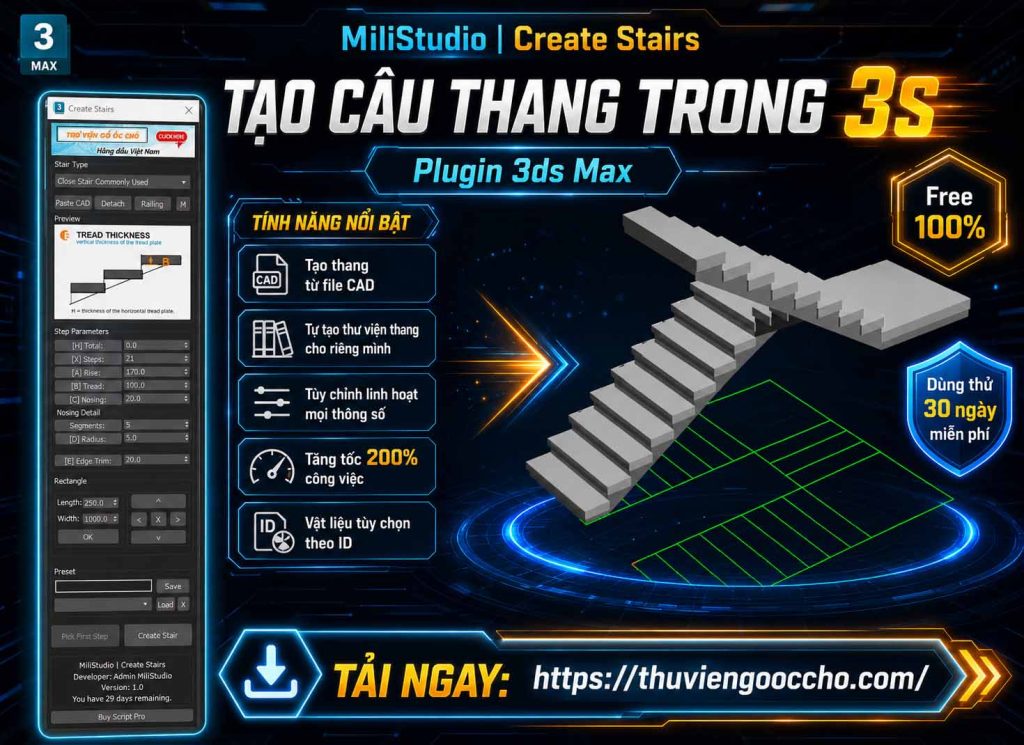
ToolbarManage
ToolbarManage Original price was: 158,000 ₫.Current price is: 39,000 ₫.
Back to products
QuickMaterial
QuickMaterial Original price was: 158,000 ₫.Current price is: 79,000 ₫.

CreatePreview

Plugin Information

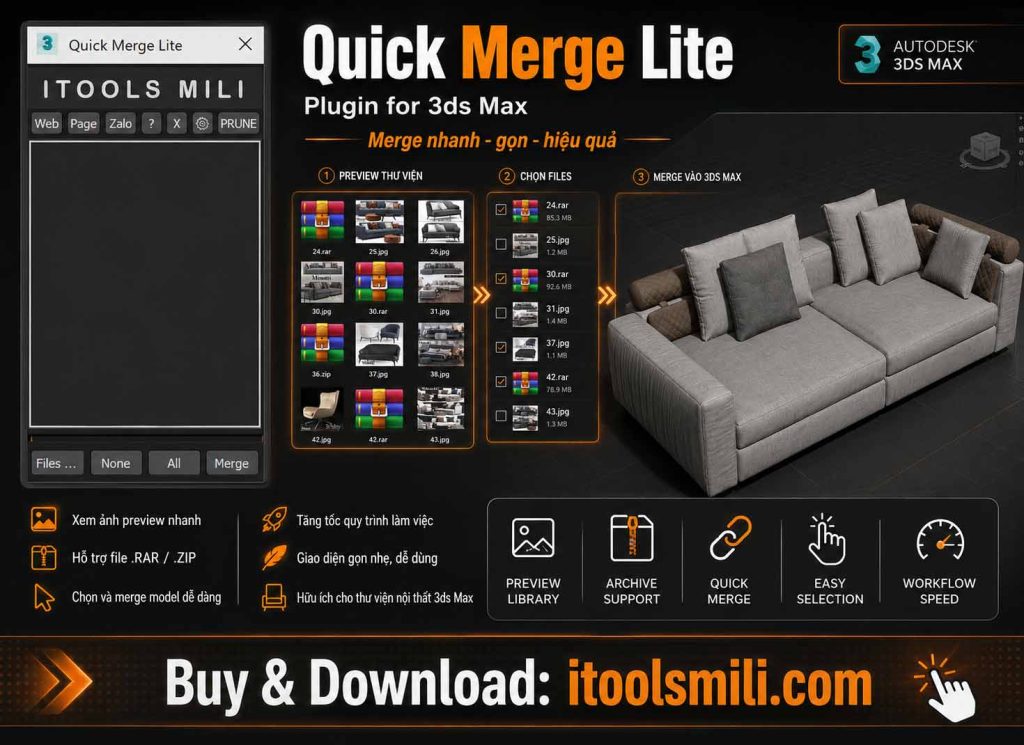
iToolsmili Quick Merge Pro – Asset merge plugin for 3ds Max

💡 Features:

1- Drag and drop .max files, folders, archives, and preview images into the plugin.
2- Supports .zip, .rar, .7z archives and image matching from .jpg, .jpeg, .png, .webp, .svg.
3- Double-click an item to merge it, or double-click an empty area to select files.
4- Right-click context menu: Select file, Merge, Open With 3DMax, Show Thumbnail, Open Location, and Extract Tools.
5- Auto material conversion to V-Ray or Corona after merge.
6- Auto layer assignment and custom wire color for merged objects.
7- Optional Prune Scene cleanup after merge.
8- Optional 7-Zip extraction for .rar files with bundled installer support.
9- Account login is required before using the plugin.

🧩 Requirements: 3ds Max 2016 or later, 64-bit.
🔧 Simple installation, with account login and saved token verification.


Installation & Activation
  1. Place an order on the website, then download and extract the file using the password

    Milistudio

  2. Drag and drop the QuickMerge_Pro.mzp file into the 3ds Max viewport.
  3. The plugin will be installed automatically and the toolbar/menu will appear in 3ds Max.
  4. Open Quick Merge Pro and sign in with your iToolsmili account.

Plugin Usage

Basic workflow:

  1. Drag files, folders, archives, or preview images into the drop area.
  2. You can also right-click the empty list area and choose Select file.
  3. Select one or more items in the list.
  4. Click || QUICK MERGE || to merge into the current scene.

Merge button shortcuts:

Click: Merge selected files.
Ctrl + Click: Merge and convert to V-Ray materials.
Shift + Click: Merge and convert to Corona materials.
Right Click: Show or hide advanced settings.

Settings

Make Group Merge: Group merged objects.
Auto Zoom Merge: Zoom to newly merged objects.
Save Position Ui: Save and restore the UI position.
Top Most Ui: Keep the UI above other windows.
Auto Corona Convert: Convert merged objects to Corona materials.
Auto Vray Convert: Convert merged objects to V-Ray materials.
Auto Layer: Assign merged objects to the selected layer.
Use Wire Color: Apply custom wire color to merged objects.
Use Quick Open: Show Open With 3DMax in the item context menu.
Prun Scene After Merge: Run cleanup automatically after merge.
Use Langua VN: Load Vietnamese tooltips.
Use Extrazct With 7z: Use 7-Zip for .rar extraction.
Log Out Accout: Turn off to log out and return to the login window.

License & Account

Account login is required

  • The plugin uses the iToolsmili machine login API.
  • A saved account token is verified when the plugin starts.
  • Logout clears the saved token and returns to the login window.
  • Device limit and token duration are controlled by the server configuration.

Support
Website: https://itoolsmili.com/
Tool name: Quick Merge Pro
Publisher: iToolsmili.com

Original price was: 180,000 ₫.Current price is: 79,000 ₫.

Guaranteed Safe Checkout

Features & Compatibility

Additional information

Customer Reviews