-2%
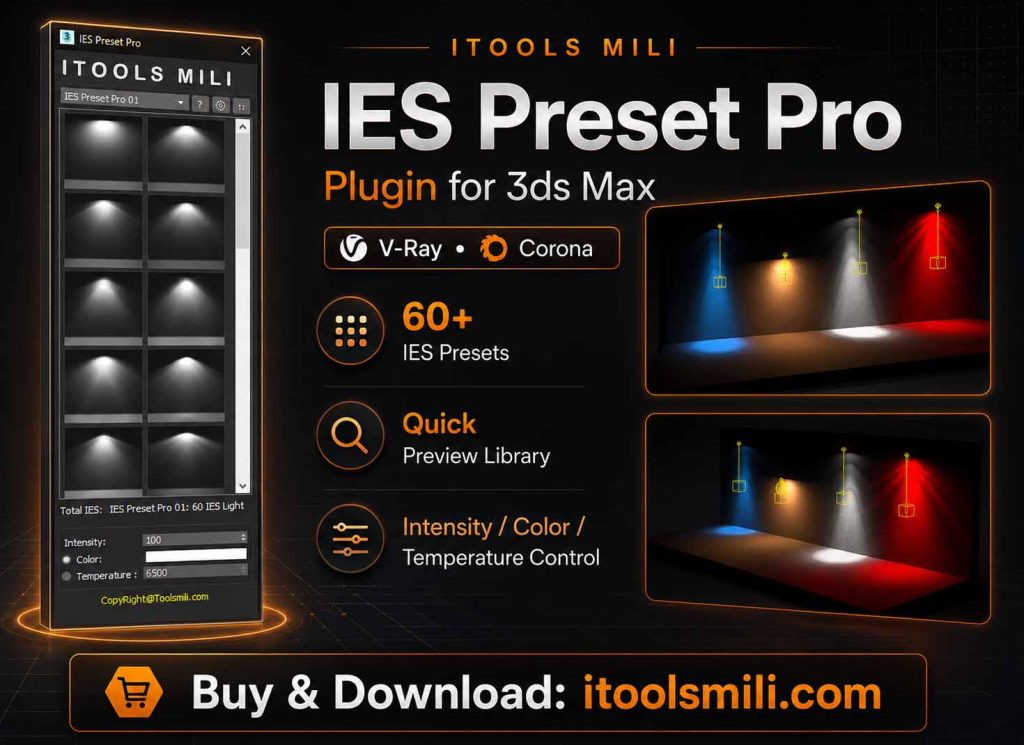
Quick Light CRN
$21.12 Original price was: $21.12.$3.96Current price is: $3.96.
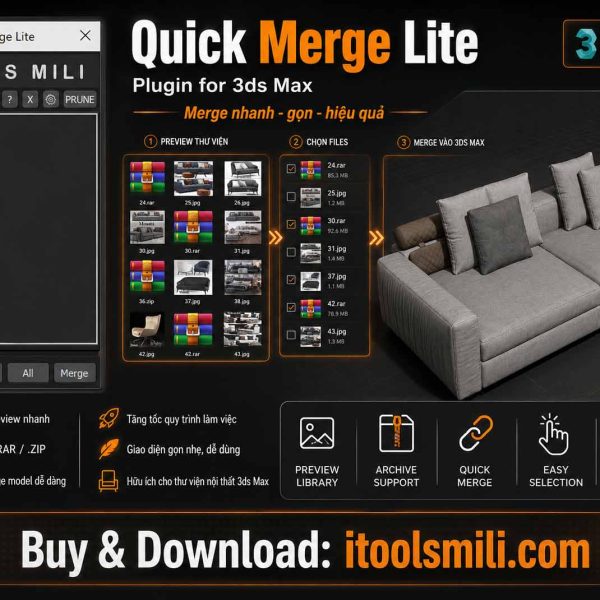
QuickMergeLite
$10.72 Original price was: $10.72.$1.56Current price is: $1.56.
Max To Su | Plugin MXPai
Plugin Information
Feature Introduction
You can convert Max models to SKP with just one click. The exported model can also keep material properties from both Enscape and V-Ray for SketchUp, allowing it to be used immediately after export.
Authorization and Distribution
We are authorized by the author of the MXpai Plugin.
We are the official distribution agent in Vietnam.
License plans we provide:
- 3-month plan
- 6-month plan
- 12-month plan
- 36-month plan
- Lifetime plan
>>> We guarantee 100% official activation keys from the developer.
– Copyright belongs to the author of MXPai.
– The activation key will be sent to your email within 60 seconds from the iToolsmili website.
Installation & Activation
Installation Environment
3ds Max 2009 and later.
VR / CR models from 3ds Max 2025 need to be rendered in order to read material information. Exporting to SKP will not lose textures.
Installation
Run the installer as administrator by right-clicking and selecting “Run as administrator”.
The installation path must be the root folder where 3ds Max is installed. You can quickly check the 3ds Max installation path by right-clicking the 3ds Max desktop icon and selecting Properties.
Select the corresponding 3ds Max version and click Install.
Register / Log In
After successful installation, a new toolbar will appear above the 3ds Max toolbar when 3ds Max starts.
If you cannot find the toolbar, please check the upper-right corner of the toolbar. In rare cases, it may be pushed out of view by other plugins.
Click the login button to log in or register. Currently, email registration and direct QQ login are supported.
Email login and QQ login are two different accounts before they are linked.

Plugin Usage
Face Reduction Tool
How to use: Select the object whose face count you want to reduce, click the “Reduce Face Count” button, enter the percentage, and press Enter.
A surface reduction range of 30% – 50% is recommended, but you can also adjust it depending on the complexity of the model.
Do not reduce too many faces at once. The face count should not exceed 300,000, otherwise the model may freeze.
Export Panel Parameters
- Hide Edges: When selected, the edges of the exported object will not be displayed in SketchUp. This option is not recommended if you need to edit the model in SketchUp.
- Merge Coplanar Models: Selecting this option will automatically clean up noisy lines and reduce the size of the exported model. However, this option may easily break surfaces, especially on very small curved models. It is recommended for normal use. If broken surfaces appear, simply uncheck it and export separately.
- Center Model: Selecting this option will automatically center the exported objects to the origin coordinates.
- Export Lines: Export lines and curves.
- Ignore Materials: The exported model will not include materials.
- Compatible with Enscape: The exported model can automatically import the MAX material texture structure into Enscape and create a folder with the same name as the exported file to store textures.
- Compatible with V-Ray for SketchUp: The exported model can automatically import the MAX material texture structure into V-Ray for SketchUp and create a folder with the same name as the exported file to store textures.
- Texture Size: You can manually limit the maximum texture size of the exported model. The recommended value is 1024×1024.
License & Usage Plans
Authorization and Distribution
We are authorized by the author of the MXpai Plugin.
We are the official distribution agent in Vietnam.
License plans we provide:
- 3-month plan
- 6-month plan
- 12-month plan
- 36-month plan
- Lifetime plan
>>> We guarantee 100% official activation keys from the developer.
Copyright belongs to the author of MXPai.
$5.20 – $100.00Price range: $5.20 through $100.00
Guaranteed Safe Checkout
Features & Compatibility
Additional information
| Giấy phép MES |
MES 3 tháng , MES 6 tháng , MES 12 tháng , MES 36 tháng , MES Vĩnh viễn |
|---|