MiliStudio AI 3D Generator Desktop – AI model generator app for Windows.
Features:
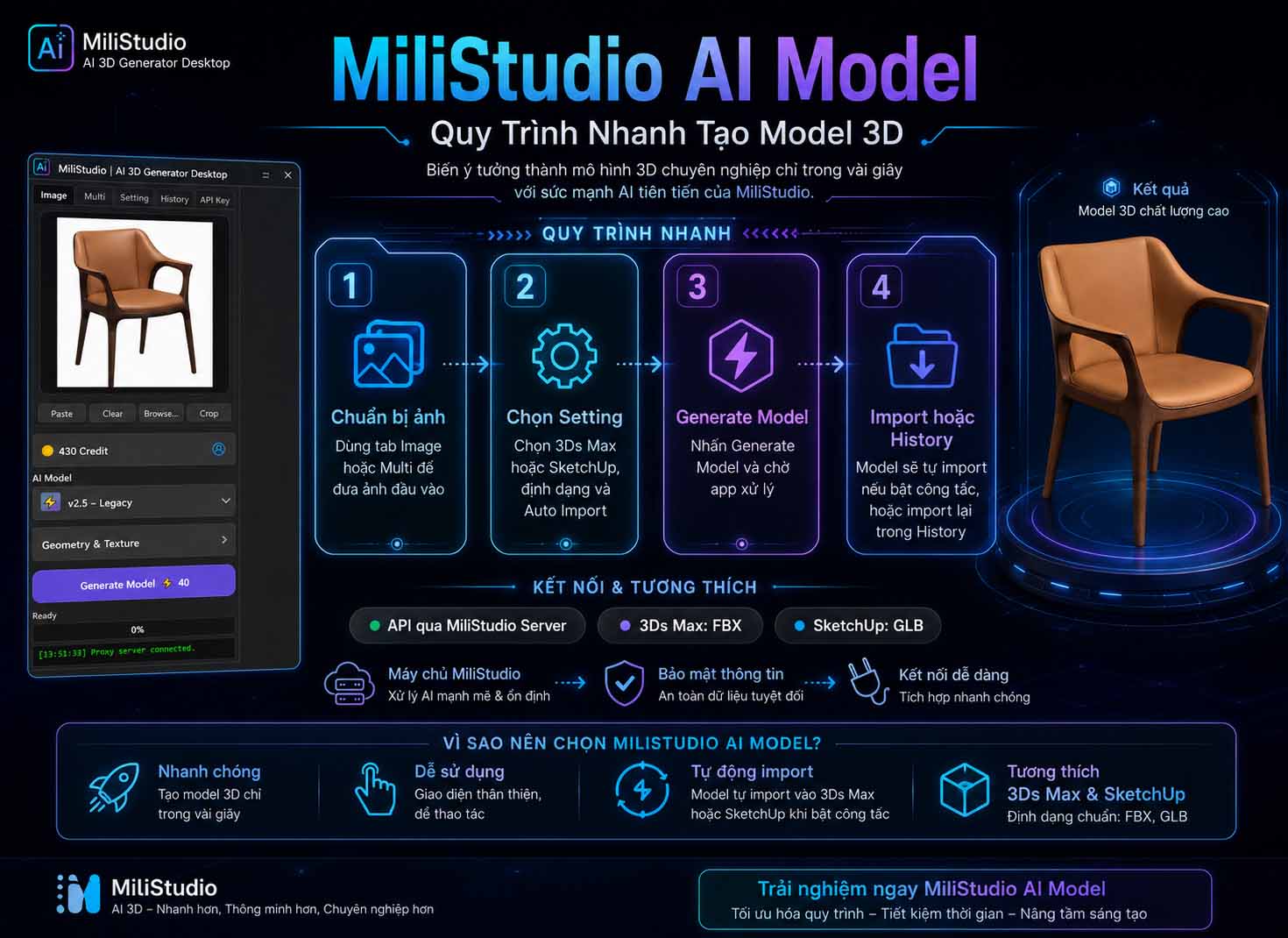
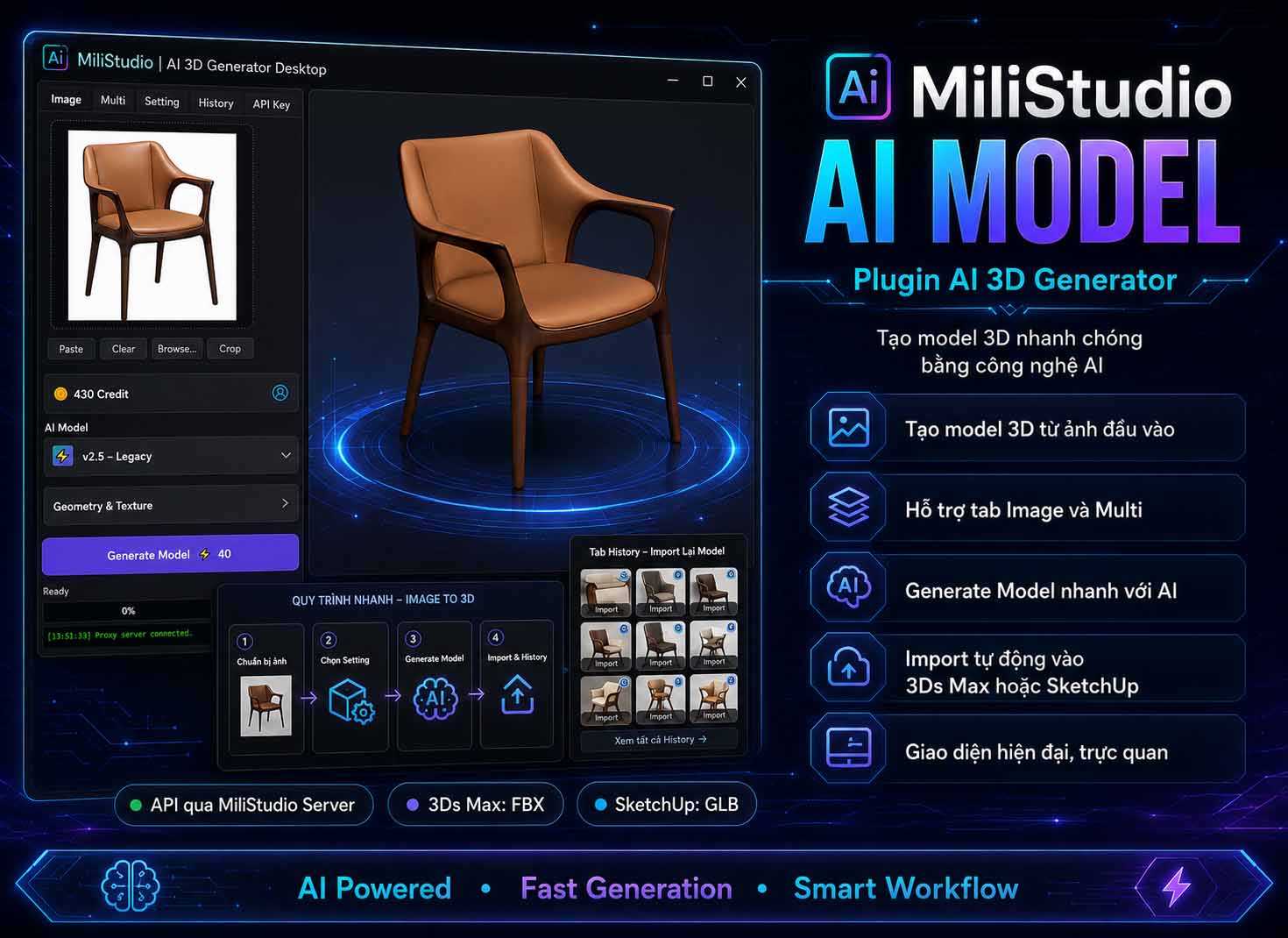
1- Create 3D models from a single image in the Image tab.
2- Create more accurate models from multi-view images in the Multi tab: Front, Left, Back, Right.
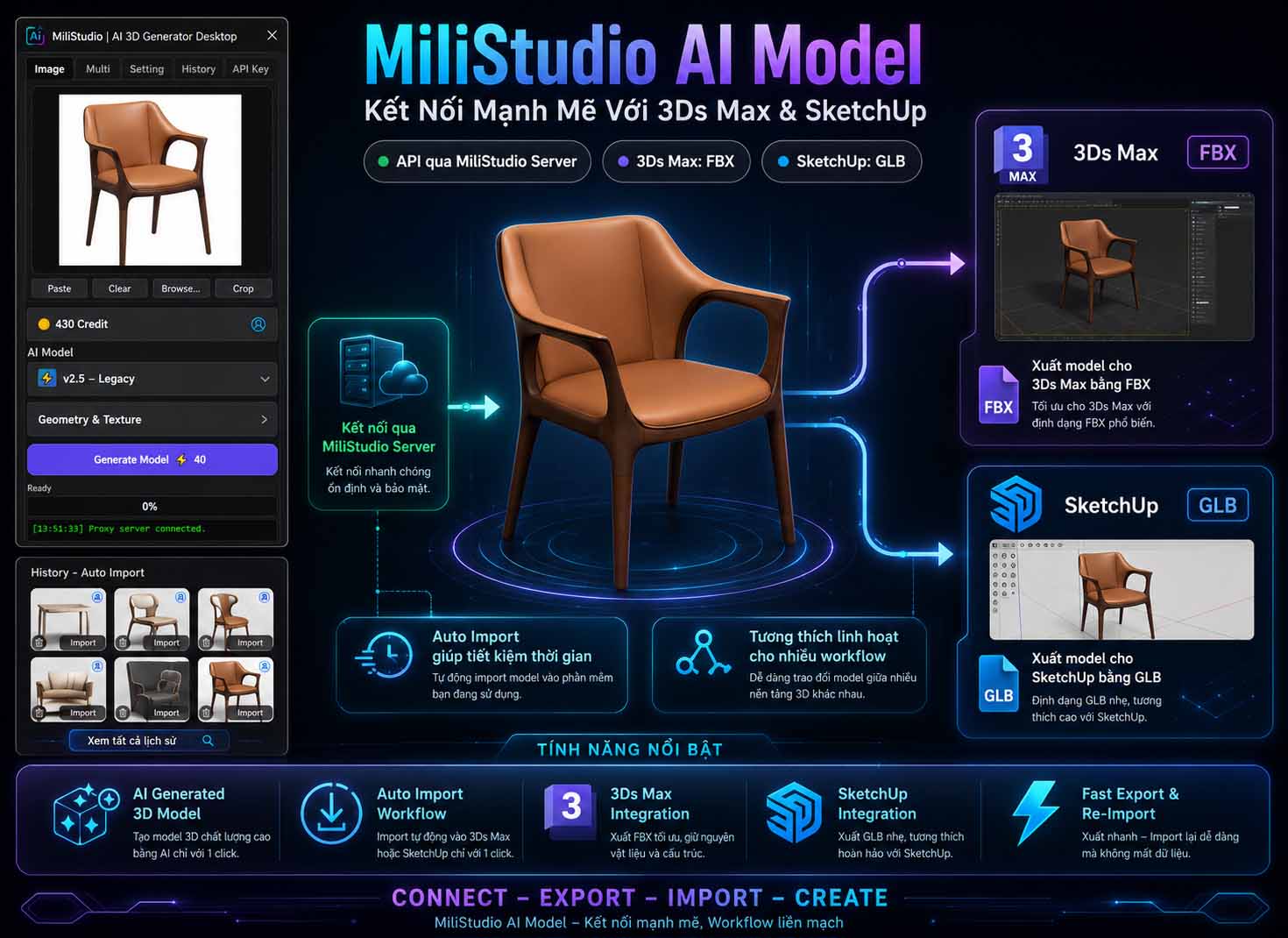
3- Manage generated models in the History tab and import them again when needed.
4- Import FBX models into 3Ds Max through the MiliStudio bridge.
5- Import GLB models into SketchUp through the MiliStudio bridge.
6- Auto Import to 3Ds Max or SketchUp when the matching switch is enabled.
7- Auto Convert Corona material after importing into 3Ds Max when enabled.
8- Save preview images for generated history items.
9- Use MiliStudio Proxy Server so the Tripo API key is not stored directly inside the released app.
Requirements: Windows desktop app, MiliStudio account with available credit. 3Ds Max Bridge: 3Ds Max 2016 or later. SketchUp Bridge: SketchUp 2024 or later.
Installation & Activation
Run MiliStudio AI 3D Generator Setup.exe.
During installation, choose whether to install the bridge files for 3Ds Max and SketchUp.
Open the app and sign in with your MiliStudio account.
If the account is already activated on another computer, the app can ask to remove the old Machine ID and activate the current computer.
After sign-in, the main app UI will open with the Image, Multi, Setting, History, and API Key tabs.
The app uses account credit from the MiliStudio server. The Tripo API key is handled through the MiliStudio Proxy Server.
Plugin Usage
Basic workflow:
Add an input image in the Image tab, or add several view images in the Multi tab.
Open the Setting tab and choose the target software: 3Ds Max or SketchUp.
Check model settings such as texture, texture quality, topology, polycount, and bottom center pivot.
Click Generate Model.
When generation succeeds, the result is saved into the History tab.
If Auto Import is enabled, the app sends the model to the opened 3Ds Max or SketchUp bridge.
Image tab:
Use Paste, Browse, or Crop to prepare the input image.
When generation succeeds, the input image is saved as the preview image for the History item.
Multi tab:
Use Front as the main required image. Add Left, Back, and Right when available.
Right-click each image slot to use Crop, Paste, or Clear.
History tab:
Each history item contains a preview image, a format icon, a delete button, and an Import button.
If the icon is 3Ds Max, import that model into 3Ds Max.
If the icon is SketchUp, import that model into SketchUp.
If import does not work, check the Setting tab and choose the correct target software before pressing Import again.
Settings
3Ds Max: Use FBX format. Enable Auto Import to 3Ds Max to send the model directly to 3Ds Max. SketchUp: Use GLB format and Triangle topology. Enable Auto Import to SketchUp to send the model directly to SketchUp. Texture: Enable or disable texture generation. Texture Quality: Choose 2K, 4K, or 8K. PBR: Enable or disable PBR material output when supported. Topology: Choose Quad or Triangle according to your target workflow. Polycount: Control the model polygon target. Bottom Center Pivot: Move the model pivot to the bottom center for easier placement. Auto Convert Corona Mtl: Convert imported 3Ds Max material to Corona when enabled. Always show the app: Keep the app above other windows. Open Zalo Support: Open MiliStudio support contact. View Use Guide: Open the online guide. Check for Update: Open the update manager.
License & Account
Account login is required
The app uses the MiliStudio account and credit system.
Credit is synced from the MiliStudio server.
Generation requests go through the MiliStudio Proxy Server.
The Tripo API key is not stored directly inside the released app.
When signing out, the app can remove the current Machine ID so the account can be activated on another computer.
One account should be used on one active computer at a time to avoid too many simultaneous generation tasks.