-50%
MiliStudio_AutoDim_v1.0.0
$22.32 Original price was: $22.32.$5.56Current price is: $5.56.
QuickMerge_Pro
$22.32 Original price was: $22.32.$2.76Current price is: $2.76.
MiliStudio_QuickDetails_v1.0
Application Information
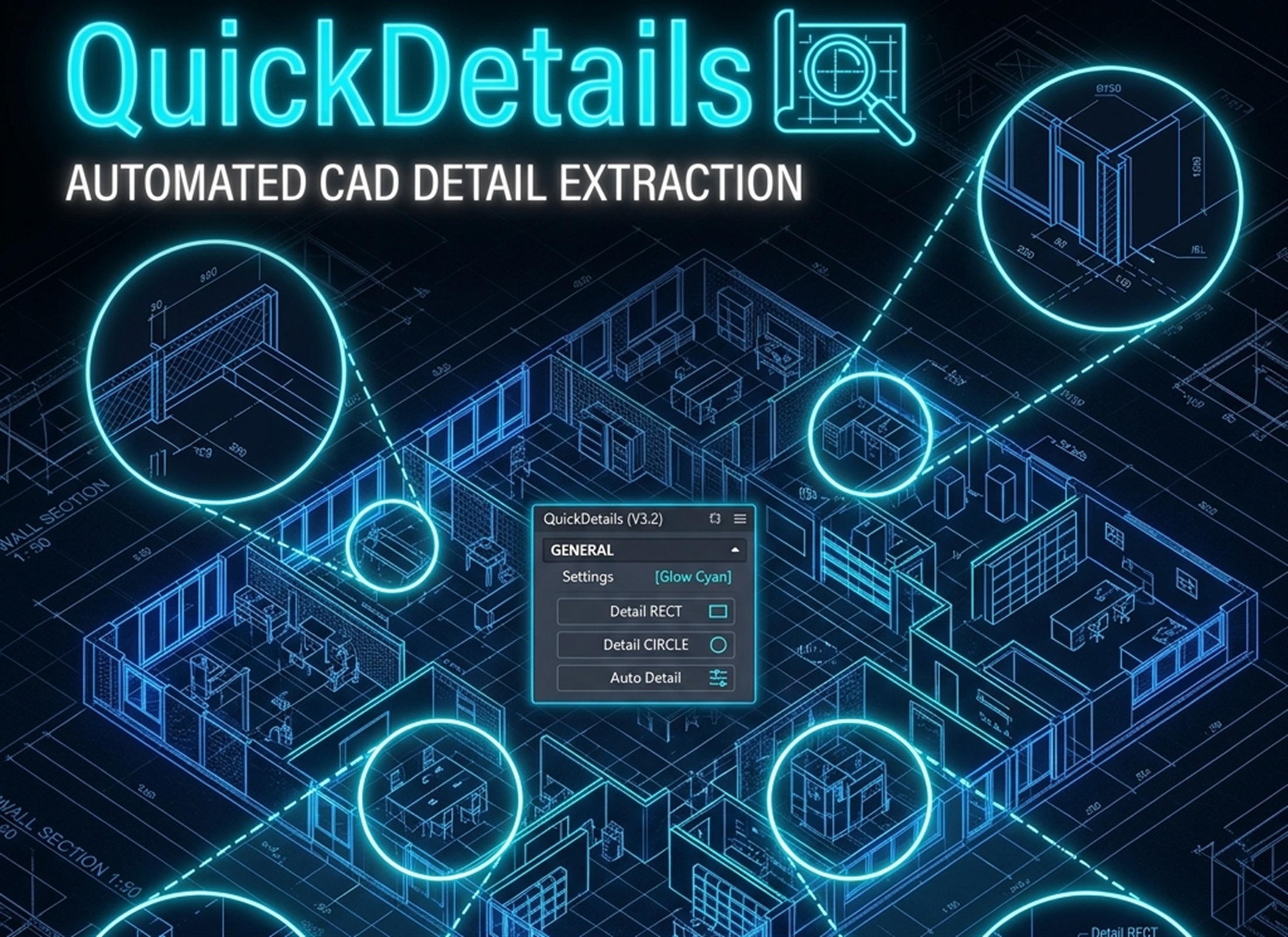
📦 MiliStudio | QuickDetails – The ultimate automated drawing detail extraction and dimension annotation tool for AutoCAD.
💡 MiliStudio | QuickDetails (QDT) is an AutoCAD .NET & AutoLISP extension designed to accelerate draft engineering workflows for architectural, mechanical, and structural details. Instead of manually copying blocks, using TRIM commands to clear outer lines, placing leaders, and scaling dimensions, this tool completes everything in a single process.
It automatically groups geometries inside a selection box into a block, applies a non-destructive boundary crop (Xclip), scales the detailed drawing block, annotates linear chain dimensions, and places the resulting detail onto standardized layers like QDT-BLOCK.
🚀 Speed up your detail layout drafting by 5x. Optimize production documentation workflow instantly.
✨ Key Features:
- 🔍 Pick Boundary: Reference existing closed LWPolylines on your drawing as clipping borders.
- 📐 Draw Rect / Circle (Jig): Interactively draft rectangular or circular boundaries by dragging your cursor.
- ⚡ Auto Dimensioning: Automatically analyzes geometries, filters overlapping endpoints, and drafts clean chain dimensions.
- ✂️ Spatial Filtering (Xclip): Non-destructively hides lines outside your crop boundary while preserving the source geometries.
- 🗂️ Auto Layer Allocation: Packages elements neatly onto
QDT-BLOCK,QDT-FRAME,QDT-DIM, andQDT-TEXTlayers. - 🔗 Seam Connectors: Automatically draws dashed leader lines connecting detailed views to their original positions.
- 🔐 Online Licensing Authentication: Activates and tracks device licenses through your MiliStudio website account.
🧩 System Requirements:
- Windows 10 / Windows 11 64-bit Operating System.
- AutoCAD 2020 version or newer.
- Active internet connection during initial licensing activation.

Installation & Activation
✨ Step-by-Step Setup Guide:
- 📥 Download the MiliStudio_QuickDetails_Setup_v1.0.0.exe installer package.
- 🖥️ Run the setup wizard. The script registers DLL startup configurations and copies loader scripts to the AutoCAD support directories automatically.
- 🧩 Launch AutoCAD. The utility loads automatically; there is NO need for manual APPLOAD setups.
- 🔐 Run the QDT command. A secure login window will display.
- ✅ Input the email and password associated with your purchased license on the MiliStudio site to activate the device.
💡 Notes:
- Verify your login credentials match the email used during the purchase checkout.
- For manual or custom startup additions, locate and load the
Auto_Load_QuickDetails_QDT.lsploader file inside your program installation directory. - Each purchased license is locked to a limited slot count of simultaneous devices. Use the
QDT-LOGOUTcommand to free up a slot when transitioning work computers.
How to Use
✨ Standard Detail Drafting Flow:
- Open your drawing document in AutoCAD.
- Type QDT to summon the docking configuration Palette.
- Enter your target phóng đại scale factor (e.g.
2for doubling view size, or keeping it at1). - Toggle **Auto Dimension** and **Xclip with Block** preferences.
- Click Draw Rect (or Draw Circle).
- Click and drag to capture the target drawing area.
- Drag the generated detail preview to an empty space and left-click to place it.
Licensing & Subscriptions
Available License Options:
- 🔐 Online login verification linked to your MiliStudio member profile.
- 💻 Secure hardware-bound node licensing (Machine Fingerprinting).
- ♾️ Unrestricted access to rectangular/circular crop blocks and dimensioning tools.
- 🚀 Free lifetime updates and compatibility fixes for future AutoCAD releases.
$22.32 Original price was: $22.32.$11.16Current price is: $11.16.
Guaranteed Safe Checkout
Features & Compatibility
Additional information
| Model Walnut SKP |
Model Walnut Base , Model Walnut Plus , Model Walnut Pre |
|---|